The Selfies That Make AI Headshots Look Like You (and the Ones That Ruin Them)
AI headshots look like you when the selfies you upload are varied, daylight lit, close and unfiltered. Send 5 to 15 recent photos of one person, with 10 to 12 being the sweet spot, from a few angles and with a couple of natural expressions. Sunglasses, hats, group shots, beauty filters, blur and photos from years ago are what ruin a set, because the model learns whatever you feed it.
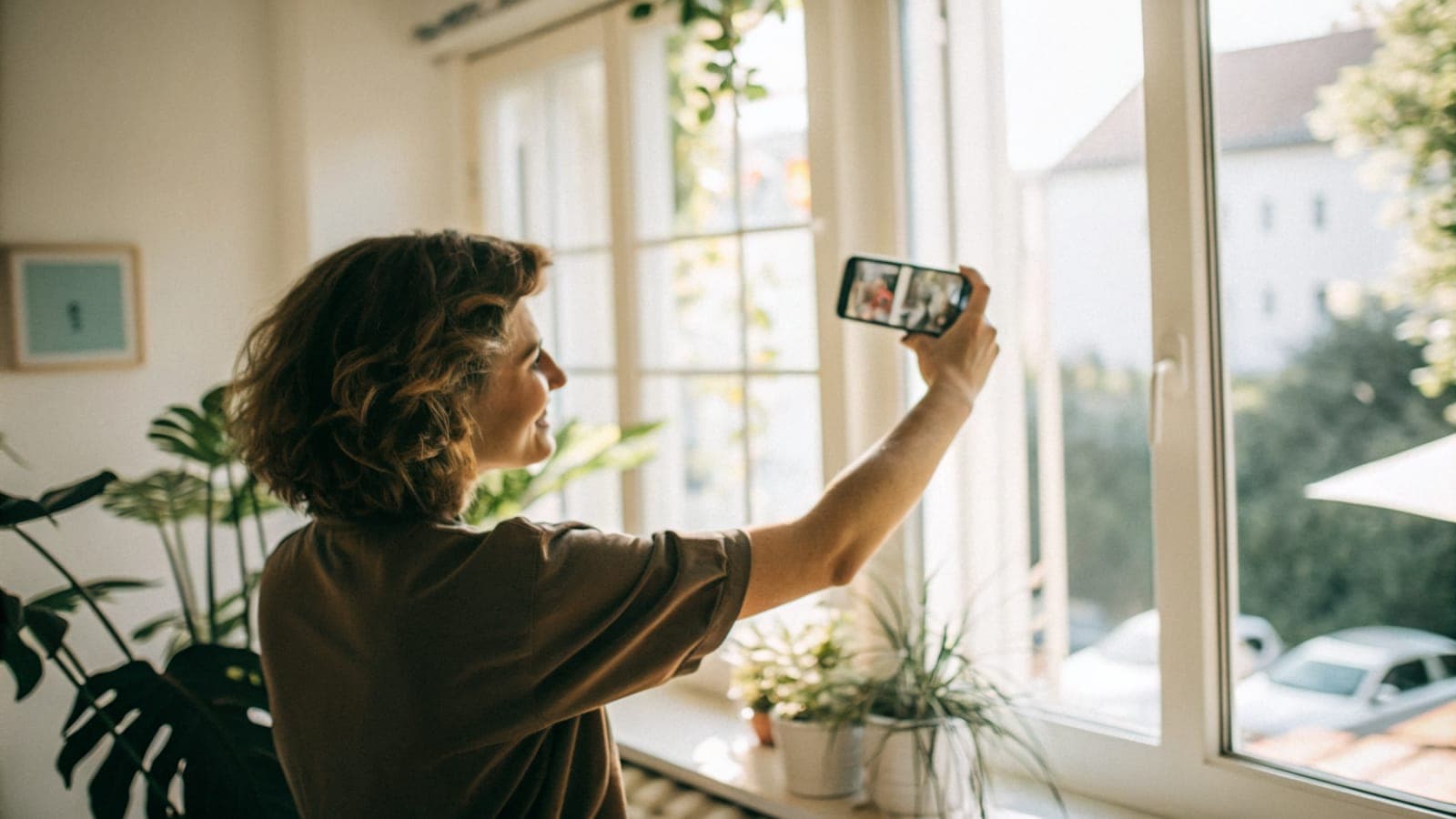
AI headshots look like you when the selfies you upload look like you: recent, daylight lit, close enough that your face fills the frame, taken from a few angles with a couple of natural expressions. Most bad AI headshots are not a model problem, they are an input problem. Fix the ten minutes you spend taking selfies and the results change more than any other setting you can touch.
This guide covers, in order, why variety matters, how to light your face, how far to hold the phone, which angles and expressions to include, and the exact photos that ruin a set. It ends with the number to aim for and what Picturesk's AI headshot generator checks before you pay.
Which selfies make AI headshots look like you?
The ones a stranger could use to pick you out of a crowd. That means the face is large and sharp, lit from the front by soft daylight, seen from a handful of angles, and wearing the expressions you actually use. It also means nothing is hiding your features: no sunglasses, no hat, no filter smoothing your skin, nobody else in the frame.
When we train a model on your face, it learns from whatever you give it. Ten clear, varied photos teach it the shape of your nose, the set of your eyes and how your smile moves. Ten dim, filtered, near-identical photos teach it a smooth blur that could be anyone.
At a glance
| Question | Answer |
|---|---|
| How many selfies to upload | 5 to 15, and 10 to 12 is the sweet spot |
| Best light | Daylight from a window, with you facing it |
| Best framing | Head and shoulders, phone at eye level, face large in frame |
| How many angles | Three or four, not fifteen shots of one pose |
| What Picturesk checks at upload | One clear face, large enough in frame, nothing covering the eyes, checked before payment |
| Turnaround and price | About an hour, from $9 one-time, with a 3-day look-like-you guarantee |
Why does variety in your selfies matter so much?
Because one photo of you is not a reliable record of your face. A study in Cognition asked people to sort a pile of photos of unfamiliar faces into identities. They routinely split the same person into several different people, because the photos of one face varied more than the differences between faces.
That within-person variability is the whole reason a model needs several photos. If you upload one look repeated twelve times, it learns that single look and nothing about how your face changes when you turn or smile. If you upload a genuine spread, it learns the parts that stay constant, which is what makes the output recognisably you.
Variety also shapes how the results read to other people. Research in PNAS found first impressions of the same person move substantially from photo to photo, and that lighting, pose and expression are what move them. The model inherits those properties from your set, so a set of gloomy, downward-looking selfies produces gloomy, downward-looking headshots.
What is the best light for selfies you will feed an AI?
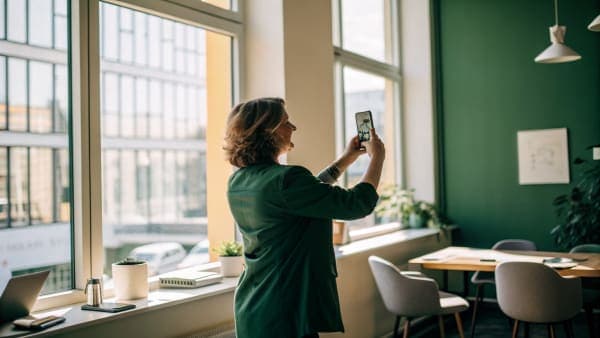
Window daylight, with you facing the window. Stand a metre or so back from it, turn the room lights off if they are a different colour, and let the soft light fall evenly across your whole face. This costs nothing and beats every ring light and lamp arrangement you could improvise.
Two kinds of light ruin selfies. Overhead-only light, the classic kitchen ceiling bulb at night, drops shadows into your eye sockets and under your nose, and the model learns those shadows as if they were part of your face. Hard side light, from a single window at a sharp angle or a lamp beside you, makes one half of your face bright and the other dark, and you will see that split reproduced in the output.
Mixed colour is the quieter problem. A blue-ish window on one side and a warm lamp on the other gives your skin two different tones at once. Pick one source, face it, and keep it consistent across most of the set.
How close should the phone be, and how should you frame it?
Close enough that your face is large in the frame, and framed head and shoulders. Hold the phone at arm's length or a little less, so your head and the top of your shoulders fill most of the picture with a bit of headroom. A body-length mirror selfie gives the model a tiny face with almost no detail to learn from.
Keep the camera at eye level. Shooting from below gives you a chin and nostrils you do not normally show, and shooting from high above shrinks the jaw and enlarges the forehead. Neither is you as people meet you, and headshots trained on them look subtly off in a way that is hard to name.
Use the rear camera if someone can take the photo for you, or if you can prop the phone and use a timer. It is sharper than the front camera on most phones, and the extra detail goes straight into a better model.
Which angles should you include?
A few, not fifteen versions of one. A good spread is straight to camera, a slight turn to the left, a slight turn to the right, and one with your chin a touch up or down. That is enough for the model to learn the three-dimensional shape of your face instead of a flat mask of one view.
Resist the urge to take one flattering angle and repeat it. It feels safe, but it is the same mistake as one photo copied twelve times. The model ends up confident about one view of you and lost on every other, so the finished headshots that happen to be at a different angle drift away from your likeness.
- Straight on, looking into the lens
- Turned slightly left, still looking at the camera
- Turned slightly right, still looking at the camera
- One or two with a small change in chin height
- A couple at a slightly different distance, still head and shoulders
What expressions should your selfies have?
A couple of natural ones. A relaxed closed-mouth smile, a proper smile that shows teeth if that is how you smile, and a neutral, calm face are plenty. These are the expressions that professional headshots use, so they are what you want the model to be fluent in.
Do not pull a face, do not squint, and do not hold a huge grin until it goes stiff. Research on face evaluation in PNAS found that judgements of a face are organised largely around trustworthiness, and that positive, expression-like features push a face towards trustworthy. A relaxed, slightly warm expression in your input carries that through to the output.
What ruins a set of selfies for AI headshots?
Anything that hides your face, changes it, or shrinks it. The model cannot learn what it cannot see, and it will faithfully learn whatever is wrong. These are the photos to leave out, in roughly the order people get them wrong.
- Sunglasses. The eyes carry most of the likeness. Cover them and the model guesses, and the guess is never quite you.
- Hats and caps. They hide your hairline and forehead and cast a shadow across the top half of your face.
- Group shots. Two faces in one photo and the model does not know which one is you. Cropping a friend's shoulder out of an old photo is not enough.
- Heavy filters and beauty modes. Smoothed skin, reshaped jaws and enlarged eyes teach the model a face that does not exist. Turn beauty mode off in the camera app before you start.
- Far away. A face the size of a coin has almost no detail. Get closer.
- Blurry. Motion blur or missed focus is noise, not information. Wipe the lens, hold still, and check each shot at full size.
- Very old photos. The model should learn the face you have now. A photo from five years ago with different hair and a different weight pulls the results towards a person who no longer exists.
- Someone else's face in frame. Even a partial face in the background, on a poster or a screen, can confuse the training. Keep the background clear of people.
The same logic applies to the finished photo, by the way. LinkedIn's profile photo guidelines require the picture to reflect your likeness, and they will remove images that consist solely of someone else's likeness. A headshot trained on a filtered or borrowed face fails that test as well as looking wrong.
How many selfies should you upload?
Between 5 and 15, and 10 to 12 is the sweet spot. Five is the floor because below that the model has too little variety to learn from, and fifteen is the ceiling because beyond that you are usually adding near-duplicates, not new information. Ten to twelve good photos covering the angles and expressions above is what the best results are built on.
Quality beats quantity at every step. Eight sharp, well-lit, varied photos will outperform fifteen where half are dim or repeated. If you have taken twenty, cull the weakest until you are left with the ten or twelve you would be happy to show someone.
The include and avoid checklist
Include these:
- 10 to 12 photos taken this month, of you alone
- Daylight from a window, with you facing it
- Head and shoulders, face large in frame, phone at eye level
- Three or four angles: straight on, slightly left, slightly right, chin up or down
- Two or three natural expressions: relaxed smile, full smile, calm neutral
- Sharp focus, clean lens, beauty mode off
- Hair as you normally wear it, glasses if you normally wear glasses, with no glare across the lenses
Avoid these:
- Sunglasses, hats, caps, hoods, masks or anything across the eyes
- Group shots or any second face in the frame
- Filters, beauty modes, skin smoothing or reshaping apps
- Photos where your face is small, far away or blurry
- Anything more than a year or two old, or from a time you looked noticeably different
- Overhead-only light, hard side shadows or mixed warm and cool light
- Fifteen shots of the same pose from the same angle
How does Picturesk check your selfies before you pay?
Every photo is screened at upload, before payment. The check looks for one clear face, whether that face is large enough in the frame, and whether anything is covering the eyes, so sunglasses and hats are caught here. Unsafe content is rejected at the same step.
If a photo fails, you are told which one and why, and you can swap it for a better shot before you start the set. Nobody pays for input already known to fail. Once the set clears, you choose backgrounds and outfits, pay once from $9, and we train a model on your face and email the finished headshots in about an hour.
The 3-day look-like-you guarantee covers the rest: if the results do not look like you, reply to the delivery email within 3 days for a full refund, and you keep the images. Good input is how you avoid ever needing it.
Sources
- Variability in photos of the same face, Cognition (ScienceDirect)
- Modeling first impressions from highly variable facial images, PNAS
- The functional basis of face evaluation, PNAS
- Profile photo guidelines and conditions, LinkedIn Help
Got your ten good selfies? Turn them into headshots today.
Upload 5 to 15 selfies, pick your backgrounds and outfits, and we train a model on your face and email a full set in about an hour. Start your AI headshots from $9, paid once, with no subscription. If they do not look like you, reply within 3 days and you get a full refund.
Frequently Asked Questions
Written by
Ammar Afridi
Founder of Picturesk
Ammar Afridi founded Picturesk, an AI headshot generator that turns a customer's own selfies into professional headshots. He built the product end to end: the photo screening that runs before anyone pays, the pipeline that trains a model on each customer's face, and the automatic refund when a run fails.