How Many Photos Do You Need for AI Headshots?
You need ten to twelve photos for AI headshots. Picturesk accepts five to fifteen, but five is a floor and past fifteen you are mostly adding your weakest shots. Variety matters more than count: mix angles, light and expressions, keep your eyes visible, and skip sunglasses, hats, group shots and heavy filters. Every photo is screened before you pay.
Ten to twelve photos is the right number for AI headshots. Picturesk accepts anywhere from five to fifteen, but five is a floor rather than a target, and past fifteen you are usually adding your weakest shots. The number matters less than the variety inside it, because the model has to learn what your face looks like from more than one angle.
This guide covers why that range works, what to include, what to leave out, and how to check your photos before you pay for anything.
How many photos do you need for AI headshots?
Aim for ten to twelve recent selfies of yourself, taken on different days, in different light, with a mix of angles and expressions. Five is the minimum Picturesk will accept and fifteen is the maximum. Five clean, varied photos will produce a usable set, but the results get noticeably more consistent once the model has ten or more examples of your face to learn from.
A photographer solves this by moving you around the studio and shooting hundreds of frames. With an AI tool you are doing that job yourself in advance, and your upload is the whole shoot.
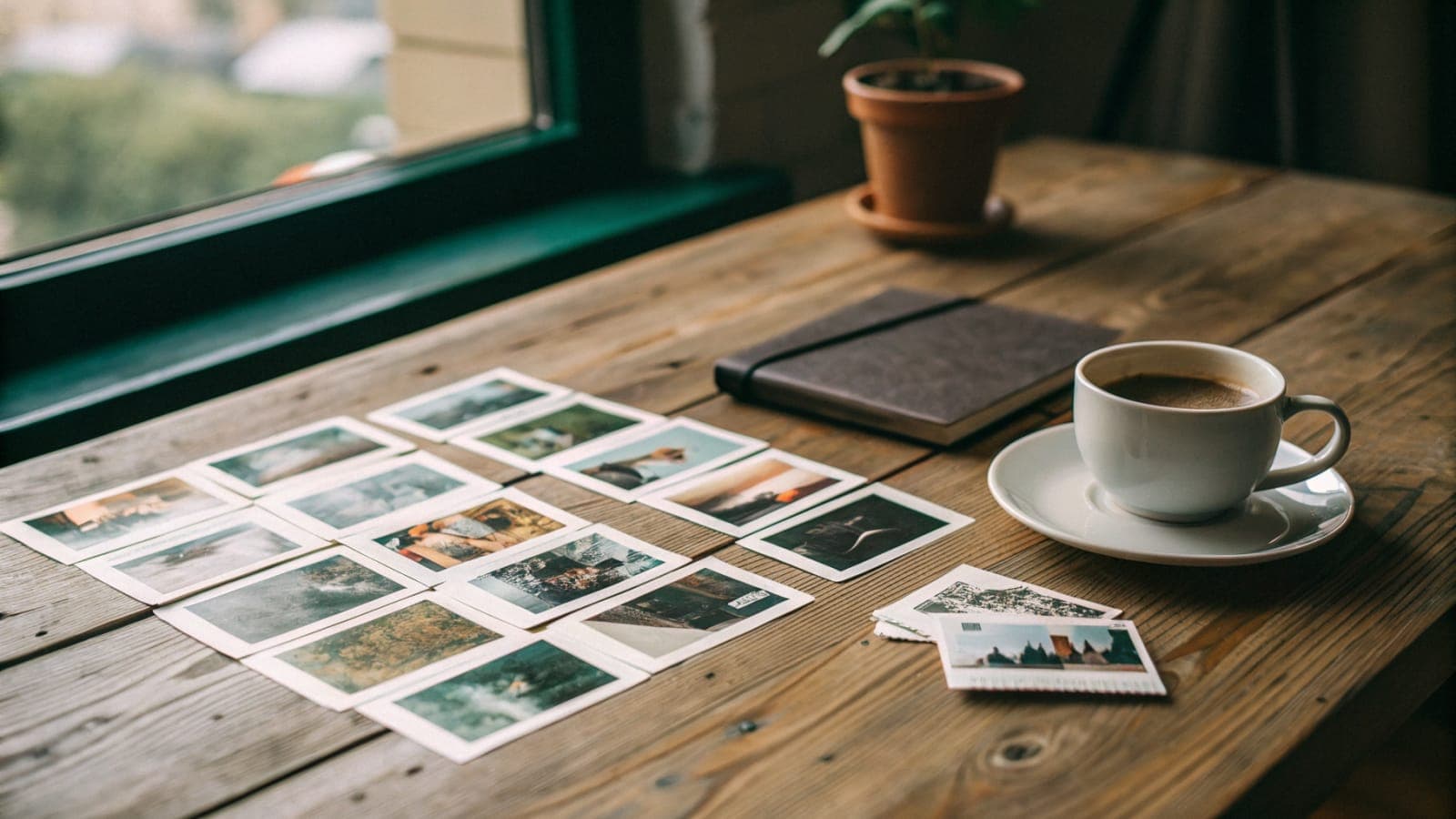
Think of it as a description rather than a pile. Twelve photos that show your face from the front, slightly turned, smiling, neutral, in daylight and indoors describe you far better than twelve near-identical shots from the same mirror.
At a glance
| Question | Answer |
|---|---|
| Minimum photos accepted | 5 |
| Sweet spot | 10 to 12 |
| Maximum photos accepted | 15 |
| Upload count by plan | Same on every plan: 5 to 15 |
| Screening | Each photo checked at upload, before payment |
| Delivery | By email in about an hour |
Why does the model need more than one photo?
Because a single photo is a surprisingly poor record of what a face looks like. In a study published in Cognition, Jenkins, White, Van Montfort and Burton asked people to sort photos of unfamiliar faces into piles by identity. Participants routinely split one person's photos into several piles, because different photos of the same face varied more than photos of two different people.
The same effect shows up in how people judge us. A PNAS paper from Vernon, Sutherland, Young and Hartley found that first impressions of the same person swing substantially from photo to photo, driven by lighting, pose and expression. If humans cannot pin down a face from one image, a model trained on one image cannot either.
That is what the photo count is really buying you. Each extra photo from a new angle or in different light tells the model which features are genuinely yours and which were an accident of that one shot.
What should your photos include?
Variety across four things: angle, light, expression and setting. Do not overthink outfits or backgrounds, because you choose those in the generator and the model replaces them. It only needs to learn your face.
- Straight-on shots and a few turned slightly left and right, so the model sees the shape of your nose and jaw.
- Daylight near a window and ordinary indoor light, so skin tone is learned across conditions rather than from one lamp.
- A natural smile, a closed-mouth smile and a neutral face, because the finished set will use all three.
- A couple of head-and-shoulders shots along with tighter face shots, so the model knows your proportions.
- Photos from different days, ideally over the last few months, so hair and skin look like you now.
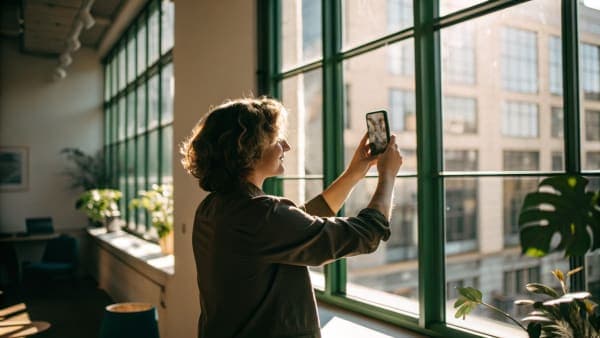
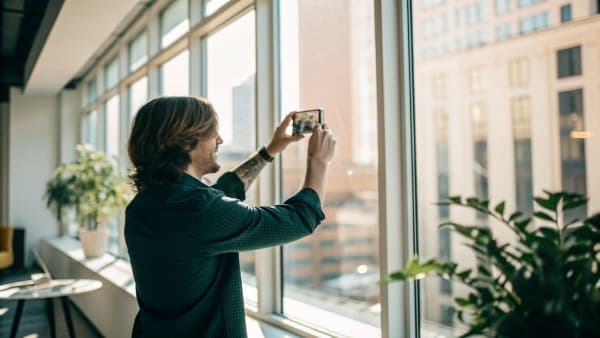
The easiest way to get this is to take a short set on your phone in three spots around the house rather than searching your camera roll for old favourites. Old favourites tend to be the same flattering angle repeated, which is the opposite of variety.
What should you leave out?
Anything that hides or distorts your face. Every one of these either fails Picturesk's upload screening or quietly drags the results away from what you look like.
- Sunglasses and hats. The screening rejects anything covering the eyes, because the model needs them to learn your face.
- Group shots. The screening wants one clear face, and a second person in frame confuses which face to learn.
- Heavy filters and beauty modes. They smooth and reshape features, so the model learns a face that is not quite yours.
- Photos taken from far away. If your face is a small part of the frame there is not enough detail to learn from, and the upload check rejects it.
- Blurry, dark or motion-smeared shots, even if you like the moment.
- Old photos with a different haircut, beard or glasses to the ones you wear now.
A quick self-check before you upload: cover the background with your thumb and ask whether a stranger could describe your face from the photo. If the answer is no, the model will struggle too.
If you wear glasses every day, keep them on in most of your photos. Prescription glasses are fine, the rule is only about anything that hides the eyes themselves.
Is more than fifteen photos better?
No, and this is the part most people get wrong. Once you have ten to twelve good, varied photos, every additional one you add is drawn from the shots you did not pick first. Those are, by definition, your weaker photos, and the model treats them with the same weight as your best ones.
The PNAS work on variable facial images is a useful warning here. If a badly lit photo of you reads as less trustworthy or less competent to a human viewer, it will teach the model those same properties. Fifteen is the cap for that reason: past it, the extra photos add noise faster than they add information.
So if you are staring at twenty candidates, cut the five that are darkest, blurriest or most similar to another shot. Quality over quantity, once you have enough quantity.
What if some of your photos are not good enough?
Picturesk checks each photo the moment you upload it, before you pay. The check looks for one clear face, large enough in the frame, with nothing covering the eyes, and it also rejects unsafe content. If a photo fails, you are told which one and why, and you can swap it for another.
That matters because it means you never pay for input that is already known to fail. You can upload eight, see that two are rejected for being too far from the camera, take two replacements on your phone and carry on. The AI headshot generator walks you through this in the same screen where you choose backgrounds and outfits.
There is a second safety net after generation. If the finished headshots do not look like you, reply to the delivery email within 3 days for a full refund, and if a generation run fails outright the refund is issued automatically.
Does the photo count change with the plan?
No. Every plan accepts the same five to fifteen photos, because every plan trains the same kind of model on your face. What changes is how many finished headshots you get back and how many backgrounds and outfits you can pick.
| Plan | Price | Headshots | Photos you upload |
|---|---|---|---|
| Starter | $9 | 5 | 5 to 15 |
| Pro | $29 | 25 | 5 to 15 |
| Premium | $49 | 60 | 5 to 15 |
All three are one payment with no subscription, delivered by email in about an hour at full resolution with no watermark. The pricing page lists the outfit and background options that come with each plan.
The practical takeaway is that your upload effort is the same whichever plan you choose, so it is worth doing properly. Ten to twelve varied photos, taken this week, with your eyes visible and your face filling a good share of the frame, is the whole recipe.
Sources
- Variability in photos of the same face, Cognition (ScienceDirect)
- Modeling first impressions from highly variable facial images, PNAS
- Snap judgments decide a face's character, psychologist finds, Princeton University
Got ten good selfies? That is all it takes.
Upload them, pick your backgrounds and outfits, and Picturesk trains a model on your face and emails a finished set in about an hour. Start your AI headshots from $9, paid once, with no subscription. If they do not look like you, reply within 3 days for a full refund.
Frequently Asked Questions
Written by
Ammar Afridi
Founder of Picturesk
Ammar Afridi founded Picturesk, an AI headshot generator that turns a customer's own selfies into professional headshots. He built the product end to end: the photo screening that runs before anyone pays, the pipeline that trains a model on each customer's face, and the automatic refund when a run fails.